You can try the following:
- Check the spelling
- Try another search

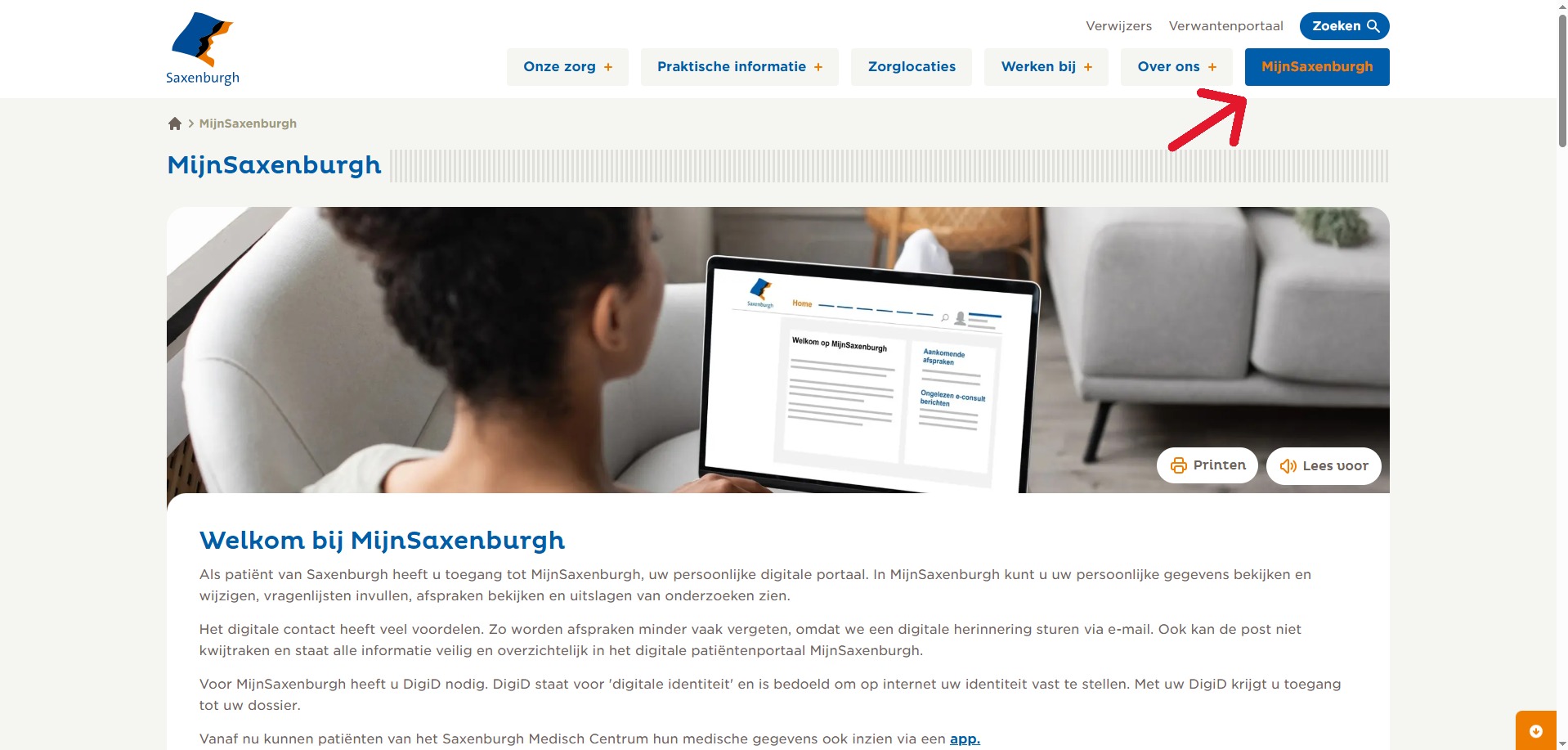
Rechtsboven in de hoek ziet u MijnSaxenburgh. Klik op deze knop en vervolgens op de blauwe knop ‘inloggen MijnSaxenburgh'.
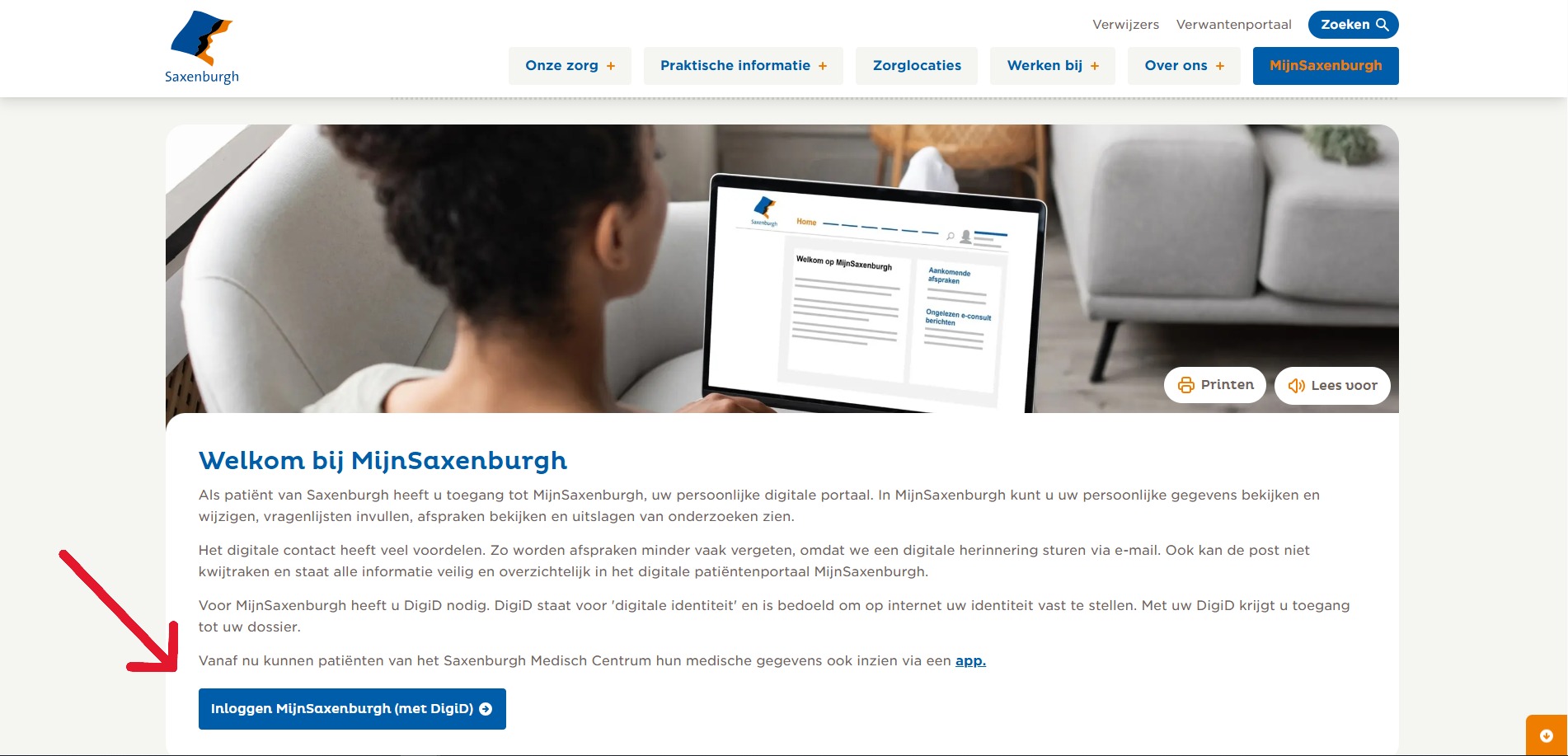
Scrol iets naar benden en klik vervolgens op de knop “Inloggen MijnSaxenburgh (met DigiD)“
Hoe log ik in met DigiD? Klik dan here
If you choose to log in with the DigiD app, read on. Do you choose to log in with an additional SMS check? Then continue with step 5.
Open the DigiD app and enter your self-chosen PIN code. A 4-letter pairing code will now appear. Enter this in the login screen.
Scan the QR code that appears on the screen with your mobile phone. Enter your PIN again on your mobile device and you are logged in.
Vul uw DigiD-gebruikersnaam en wachtwoord in, nadat u heeft gekozen voor de optie ‘inloggen met sms-controle'.
Immediately afterwards you will receive a (spoken) text message with a code on your phone. You can log in permanently with this code. You will then arrive at the MijnTergooi homepage. You're logged in.